 播放中live
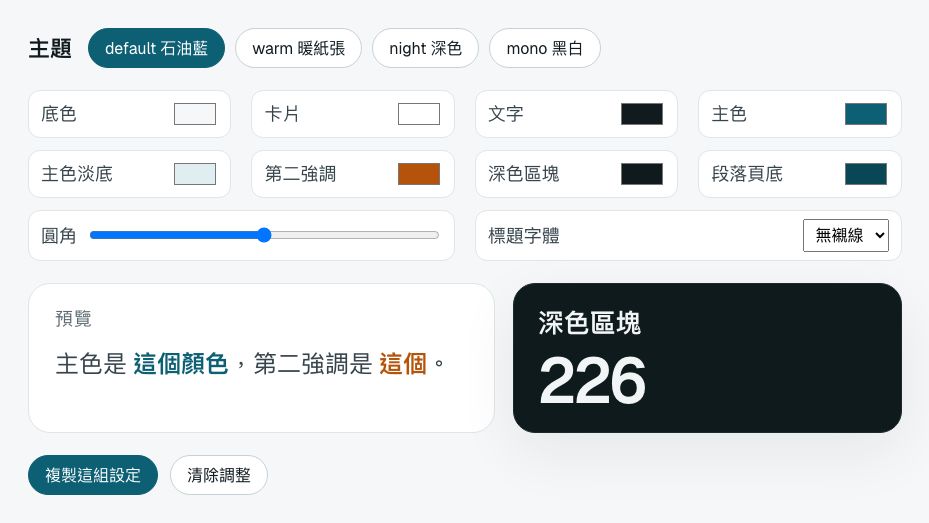
theme配色與風格Themes選一套主題,或直接調顏色;整份圖鑑會跟著變。調好按「複製這組設定」,貼進你簡報的 <style>,或存成一個主題檔。Pick a theme or tune colours live; copy the result into your deck.
 播放中live
stagger依序浮出Stagger每一頁的東西照順序浮上來,最常用。按 R 重播。Things on a slide rise in, one after another.
 播放中live
step按一下才出現Steps按 → 一次出現一組,全部出完才翻頁。也可以讓舊的東西在同一下消失(這頁就是)。Each → reveals the next group; old ones can leave on the same press.
 播放中live
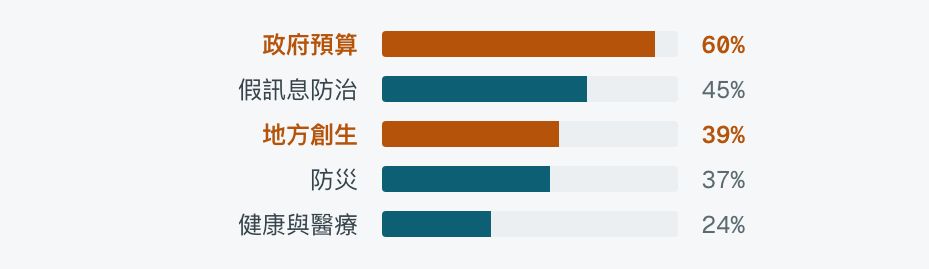
bars長條圖Bars進到這頁時,長條一起長出來。想強調的那幾條加 hot 會變成橘色。A bar chart that grows in; hot bars stand out.
 播放中live
count數字跳動Count從 0 數到寫在裡面的數字。逗號、百分比、小數點都照原樣保留。Counts up to the number, keeping commas and %.
 播放中live
type打字Type一個字一個字打出來,適合搜尋框、對話、提問。Text types itself out, letter by letter.
 播放中live
mark螢光筆Mark一段文字裡,把重點畫上螢光筆。A highlighter sweeps across the key phrase.
 播放中live
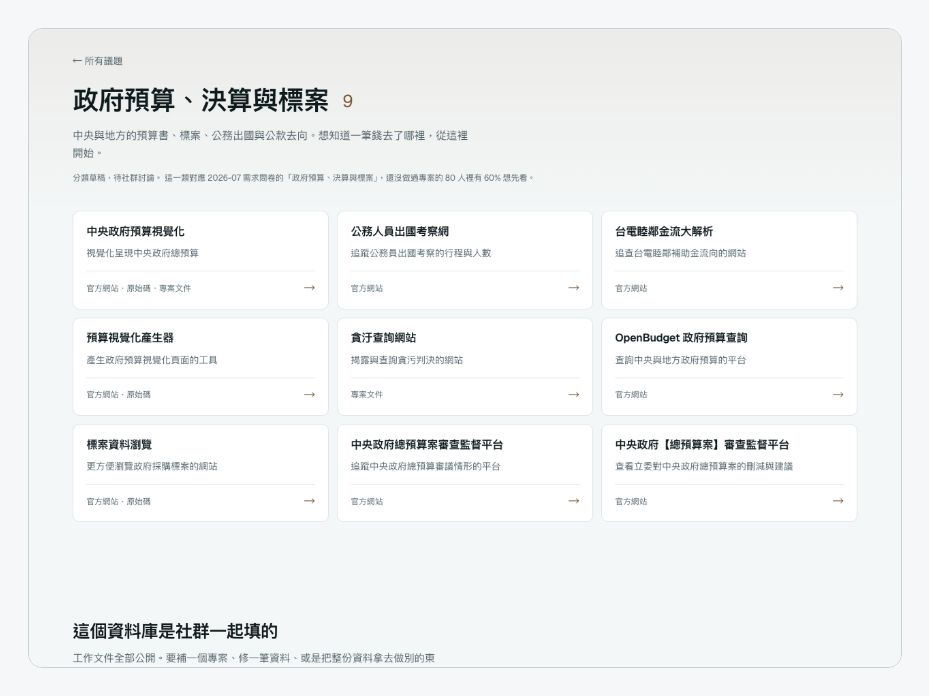
pan長截圖捲動Pan整頁的長截圖放進框裡,慢慢往下捲再捲回來。捲多遠會自己算。A tall screenshot scrolls down and back inside its frame.
 播放中live
zoom推近Zoom慢慢推近截圖上的一點,再拉回來。加 data-once 就只推一次。Pushes in on one spot of a screenshot.
 播放中live
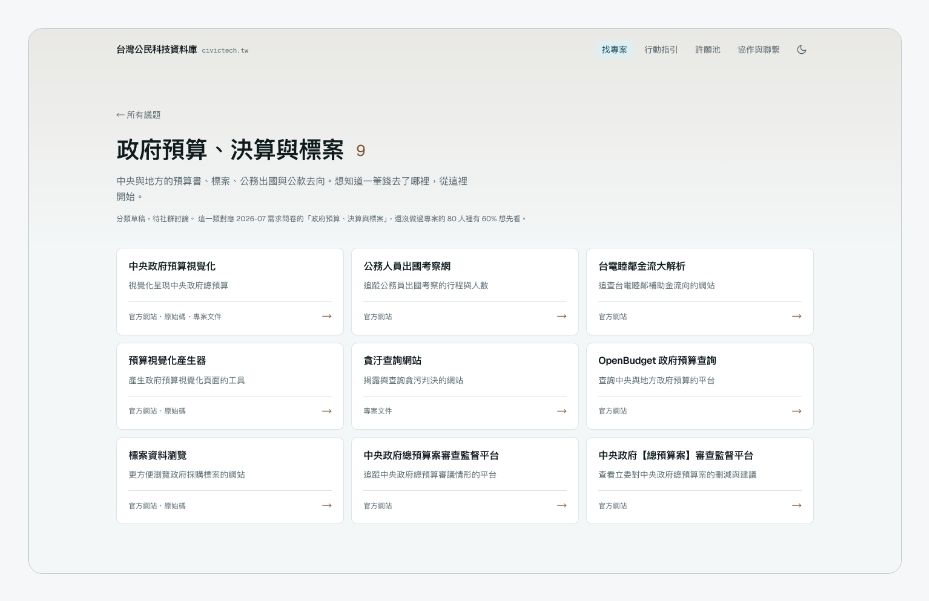
cycle輪播Cycle幾張圖輪流淡入淡出,適合「同一個東西的幾個樣子」。Pictures cross-fade, one after another.
 播放中live
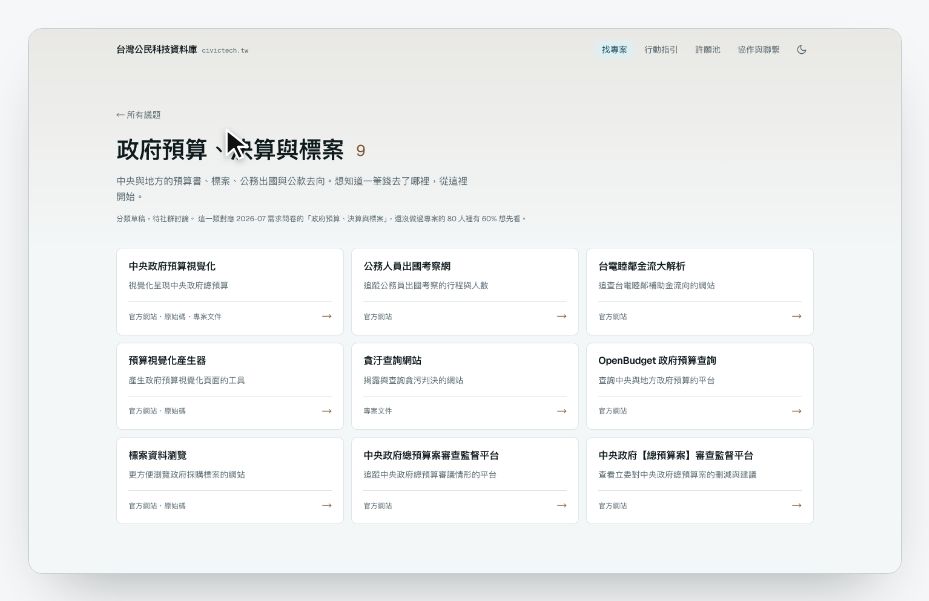
clickpath游標示範Click path游標在幾張截圖上移動、點擊、換頁,示範「要點哪裡才找得到」。會一直循環。A cursor clicks through screenshots to show where things are.
 播放中live
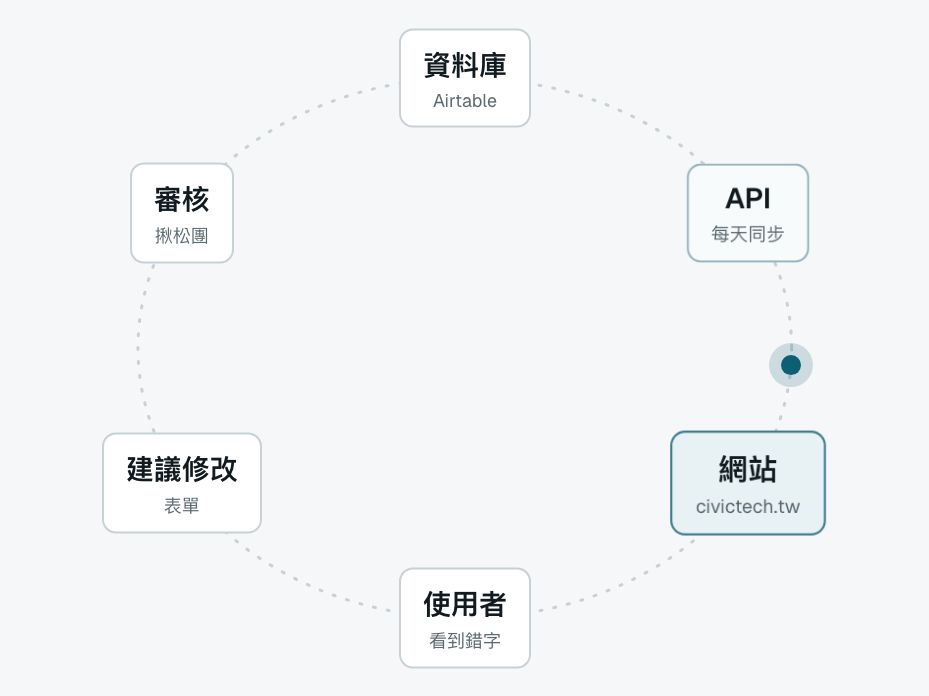
orbit循環流程Orbit幾個步驟排成一圈,一個點沿著圈走,走到哪個就亮哪個。適合「會回到起點」的流程。Steps around a loop light up as a dot travels past.
 播放中live
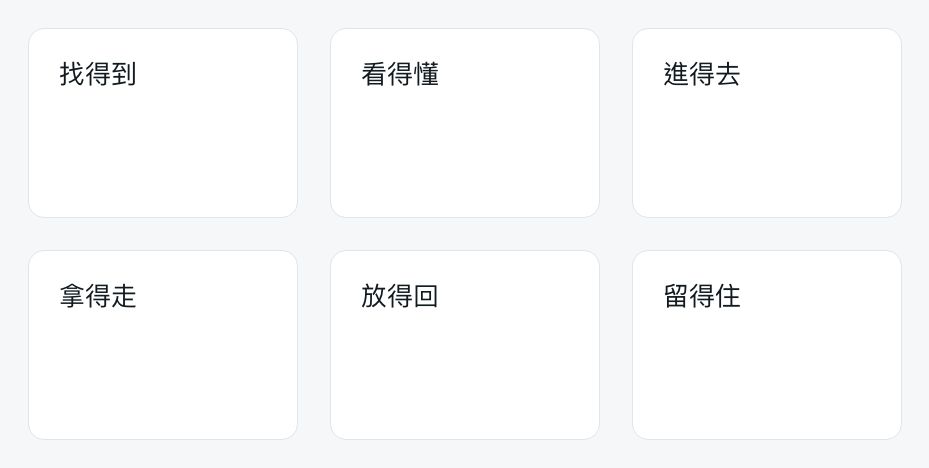
assemble飛進來組合Assemble一組卡片從四散的位置飛進來,拼成格子。適合「這些合起來就是解法」。Cards fly in from all over and settle into a grid.
 播放中live
bento功能格狀總覽Bento格子從離它最近的畫面邊飛進來,卡位時微微回彈,整面再慢慢拉近。每格裡面放別的效果:pan、slot、pop、compare、stack、type、terminal。A feature grid flies in from the edges; every tile keeps moving.
 播放中live
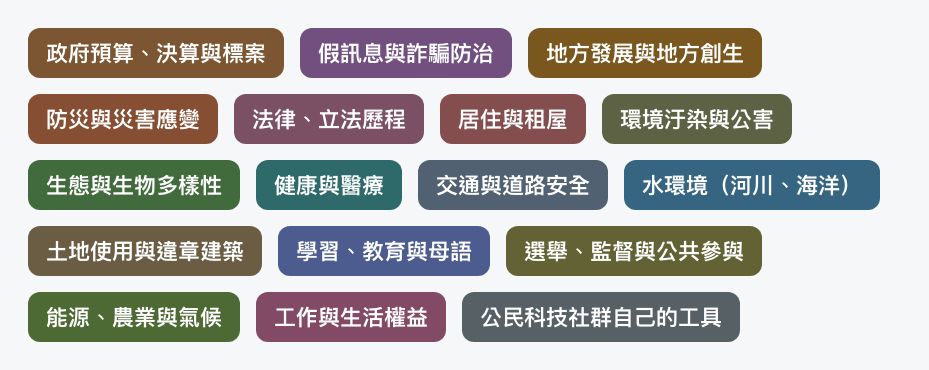
pop依序彈出Pop一組小東西一個接一個「啵」地彈出來,最後微微回彈。適合標籤、色塊、logo 牆。按 R 重播看比較清楚。Small things pop in one by one with a bounce.
 播放中live
compare左右對照Compare兩張圖疊在一起,一條線左右來回掃:線左邊是第一張,右邊是第二張。適合淺色/深色、改版前後。A line sweeps back and forth between two pictures.
 播放中live
stack卡片疊Stack一疊卡片,最上面那張每隔一陣子換到最底下,下一張浮上來。適合「隨機抽一個」「還有很多」。A pile of cards; the front one keeps moving to the back.
 播放中live
spot聚光燈Spotlight截圖其他地方變暗,只亮一塊。有好幾塊的話,每按一下 → 移到下一塊。Dims a screenshot except for the part you talk about.
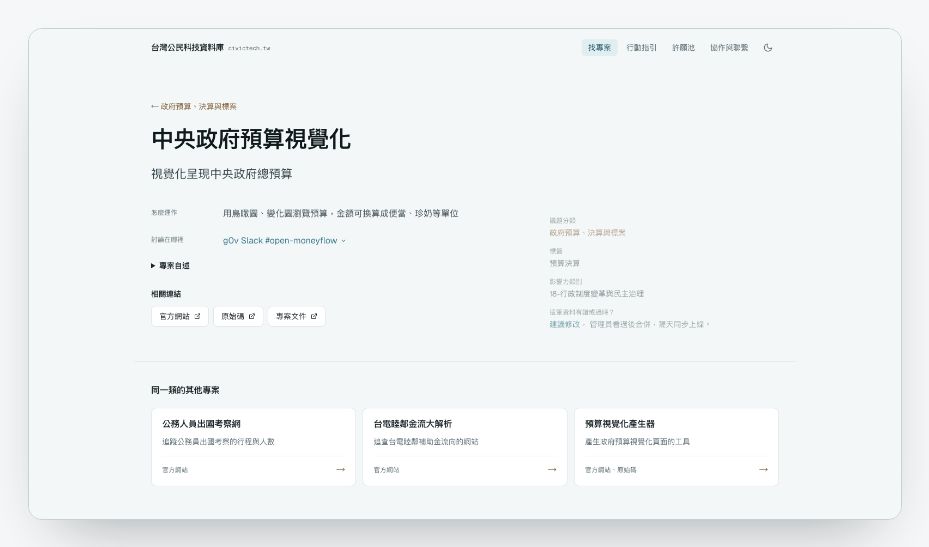 播放中live
morph頁面重組Morph用真的網站做出來:游標點一張卡片,卡片長成整頁,標題飛到新位置,其他內容浮上來。Click a real site and the page rebuilds itself, captured live.
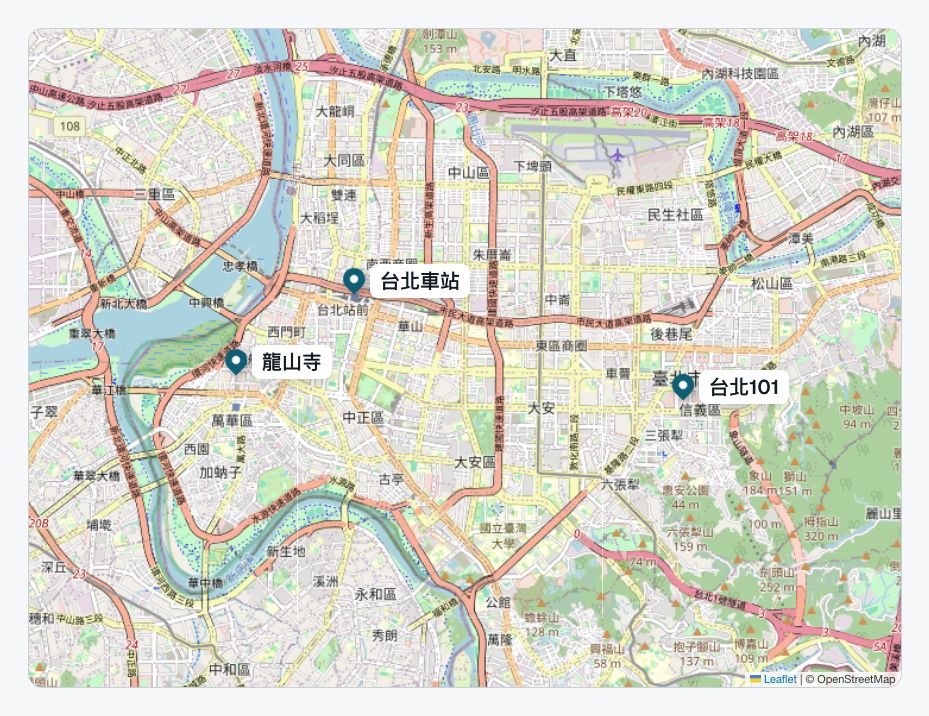 播放中live
map地圖Map真的地圖,點位一個個掉下來;每按一下 →,飛到下一個地點。加 data-auto 就自己飛。需要網路。A real map: pins drop in, then it flies from place to place.
 播放中live
live真網站Live site把網站直接放進投影片,可以現場點。用手機的寬度畫再縮小,就是手機上的樣子。需要網路。A real website running inside the slide, at phone or desktop size.
 播放中live
frames瀏覽器/手機框Frames截圖、影片、真網站外面套一個框,一看就知道是網頁還是手機。Browser and phone frames around screenshots or live pages.
 播放中live
video影片轉場Video一整頁只放一支影片,翻到就自動播放。適合段落之間的轉場。A full-slide video that plays when you reach it.
 播放中live
letters逐字浮現Letters標題一個字一個字從模糊裡浮上來。適合開場、段落標題。Each character rises out of a blur.
 播放中live
rotate換詞輪播Rotate一句話裡的某個詞一直換,講「可以做很多事」很好用。One word in a sentence keeps changing.
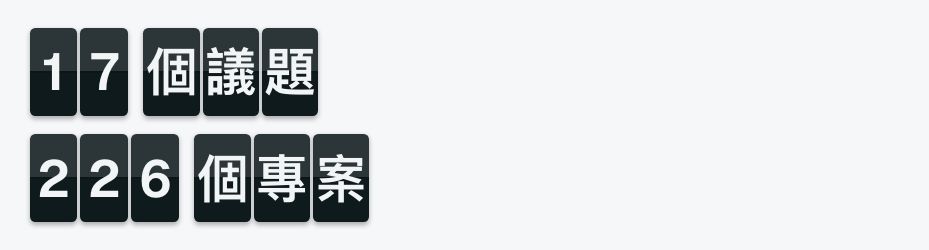 播放中live
flap翻牌看板Flap像車站的翻牌看板,每個字先亂翻幾下再停住。適合數字、名單。A split-flap board: letters flip before they land.
 播放中live
slot數字滾輪Slot每一位數像里程表一樣各自滾動再停下。跟 count 比,更有「機器在跑」的感覺。Each digit rolls on its own reel, like an odometer.
 播放中live
particles粒子聚字Particles滿畫面的點飄過來,聚成一行字。適合結尾的網址、品牌名。只支援一行字。Dots drift in and gather into a title.
 播放中live
textmask文字遮罩Text mask超大的字裡面填一張圖,圖慢慢移動。適合當段落的封面。Huge letters filled with a slowly drifting picture.
 播放中live
tilt3D 斜放Tilt截圖斜躺著再轉正(左),或左右輕輕轉(右)。data-mode="hold" 會一直斜著慢慢飄。A screenshot lies tilted in 3D, then swings flat.
 播放中live
explode拆層Explode一張卡片拆成好幾層往上浮,每層拉一條線說明它是什麼。適合解釋「這個設計由哪些部分組成」。Layers of a design lift apart, each with a label.
 播放中live
parallax景深Parallax前中後幾層,越前面動得越多,滑鼠移動時也會跟著。讓靜態截圖有空間感。Layers at different depths drift and follow the mouse.
 播放中live
dive鑽進去Dive往截圖的某一點一直推近,推到底就變成下一頁。加 data-on="step" 就等你按 → 才鑽。Zooms into one spot until it becomes the next page.
 播放中live
wipe擦過去Wipe一條色帶斜斜掃過,後面露出第二張。適合改版前後、淺色深色對比。A coloured band sweeps across, revealing the after picture.
 播放中live
hotspots熱點導覽Hotspots截圖上幾個會跳動的點,每按一下 → 打開下一個說明。加 data-auto 就自己輪流。Pulsing dots on a screenshot open notes one by one.
 播放中live
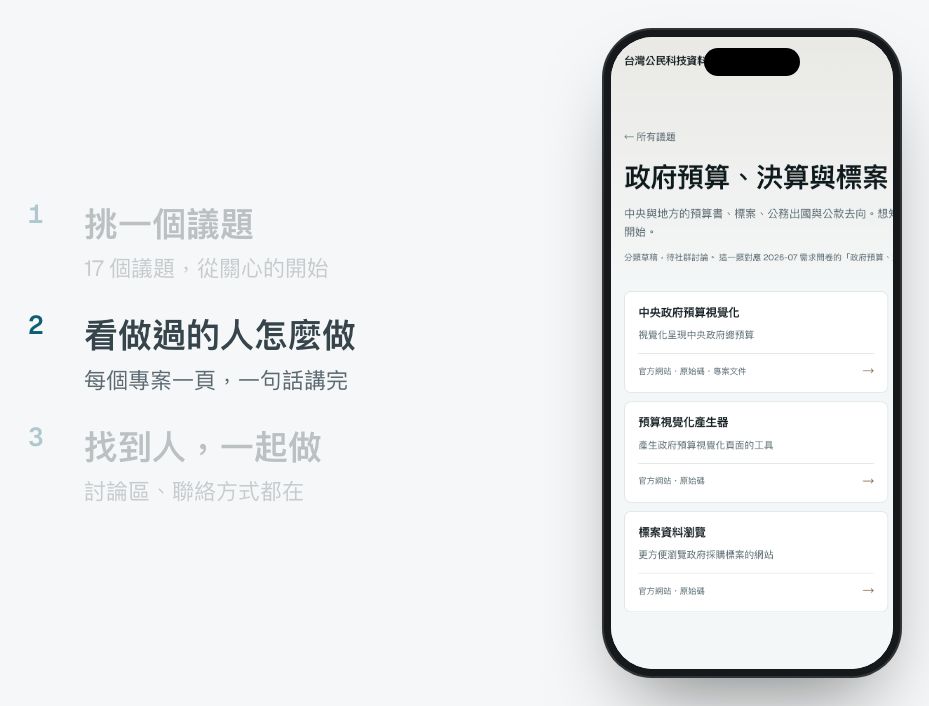
story步驟配畫面Story左邊步驟、右邊畫面,亮到哪一步就換哪一張。自動輪流,或 data-on="step" 按一下換一步。A list of steps beside screens that change with them.
 播放中live
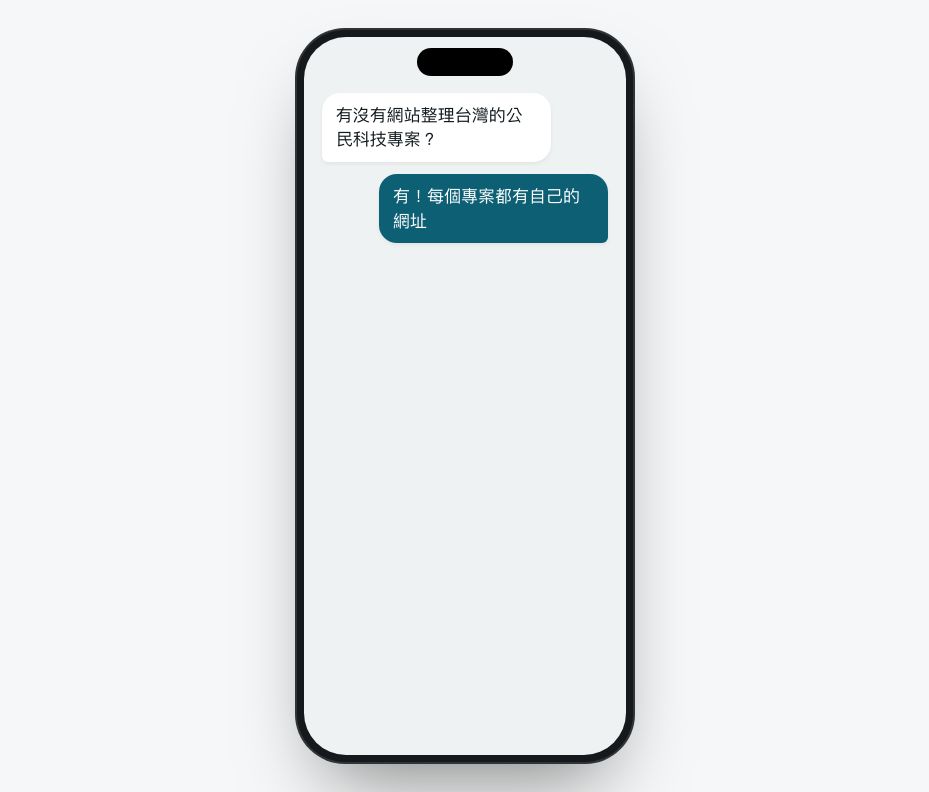
chat聊天對話Chat訊息一則一則跳出來,對方會先「打字中…」。適合講「怎麼被分享出去」。Messages pop in, with typing dots before each reply.
 播放中live
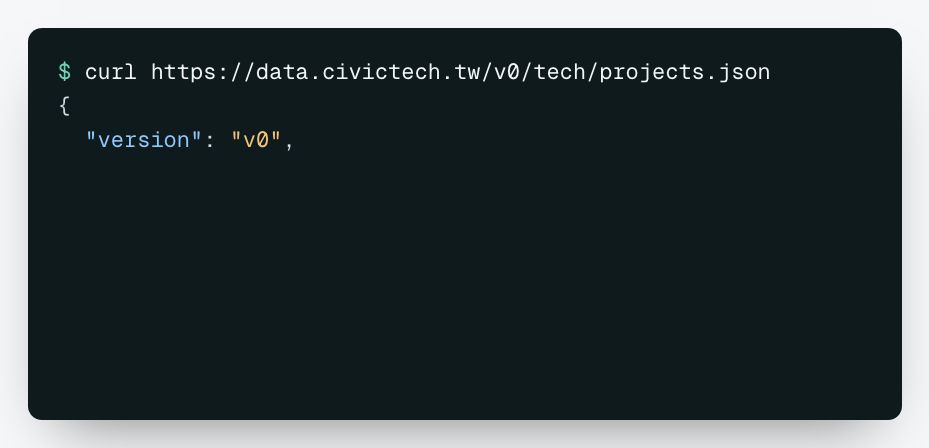
terminal終端機Terminal指令自己打出來,按下去之後回應一行一行印出。適合講 API、開放資料。A command types itself, then the output prints.
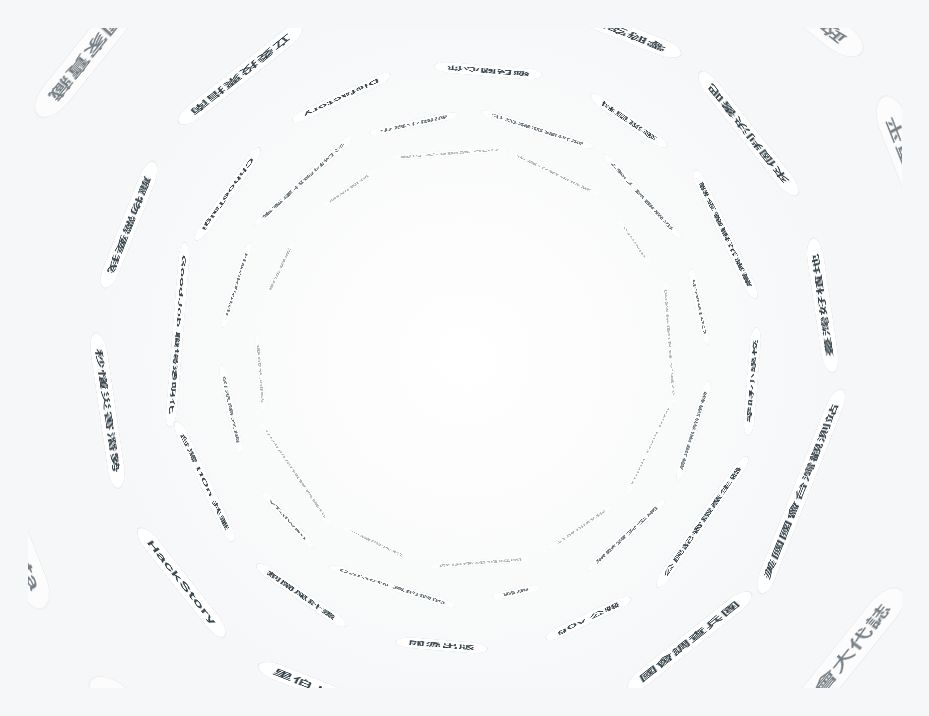 播放中live
tunnel名稱隧道Tunnel一大串名字貼在隧道牆上往你衝過來。講「有這麼多」的時候很有感。Names stream past on the walls of a tunnel.
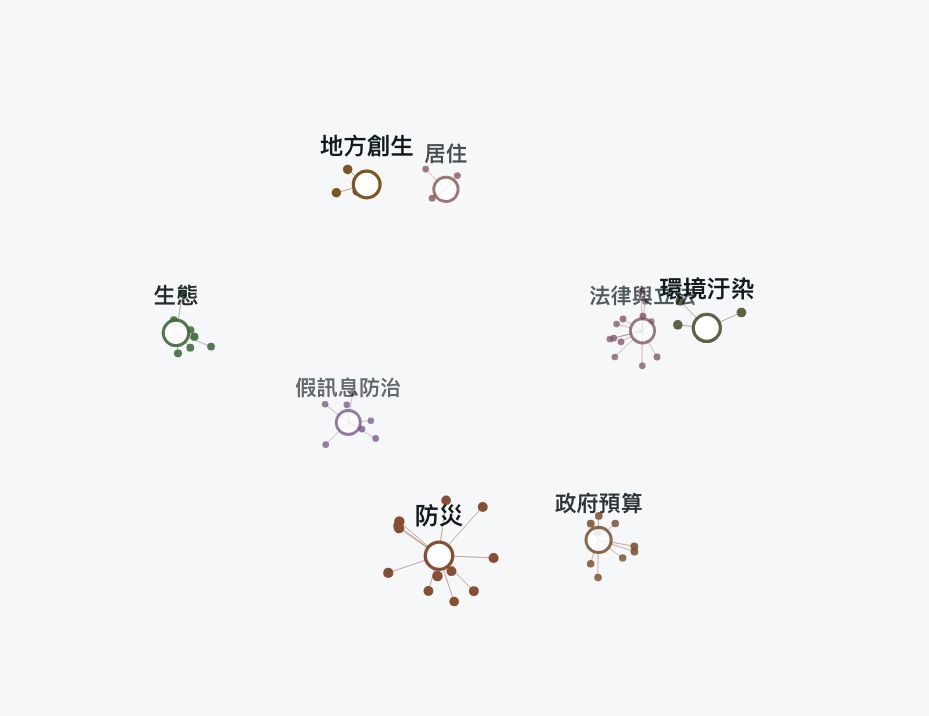 播放中live
network議題星團Network每個議題是一顆星,專案是圍著它的小點,整團在 3D 裡慢慢轉。看得出哪裡多、哪裡少。Topics and their projects as a slowly turning 3D cluster.
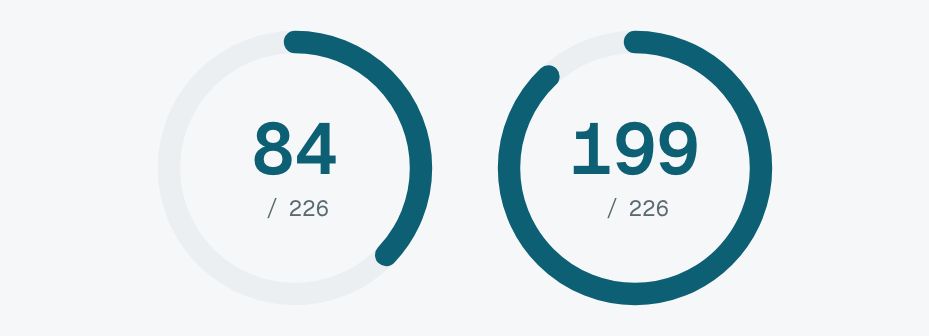 播放中live
ring圓環進度Ring一圈環慢慢填到比例。裡面的數字可以再加 count 一起跳。A progress ring fills to its share.
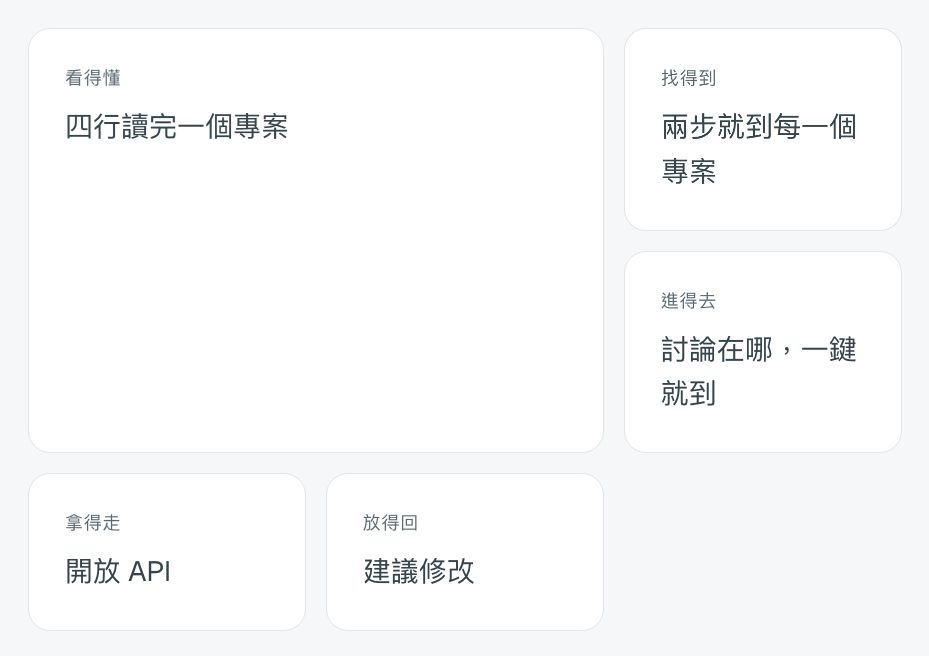 播放中live
feature輪流當主角Feature一組格子輪流有一格變大,其他格子讓位。適合一次介紹好幾個功能。Tiles take turns being the big one.
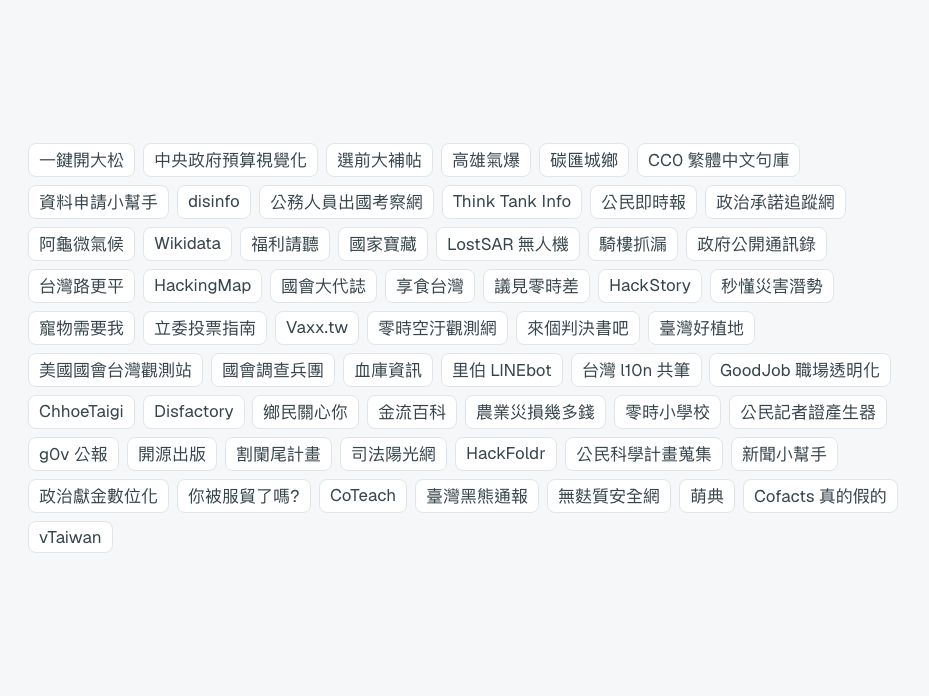 播放中live
swarm蜂群飛入Swarm一大堆小東西從畫面深處衝出來,排成整齊的一片。跟 assemble 比,適合「很多很多個」。Lots of small things rush in from deep space.
 播放中live
collapse收成一個網址Collapse畫面上的東西全部縮進中間,最後只剩一行字。適合結尾。Everything shrinks into the centre, leaving one line.
 播放中live
devices多裝置Devices桌機、平板、手機排在一起,一看就知道「哪裡都能用」。桌機也可以換成 laptop(筆電)。Desktop, tablet and phone side by side.
沒有找到,換個字試試。Nothing found; try another word.